


Cart Builder
Design the drawer layout, colors, footer, and custom code with a live preview.
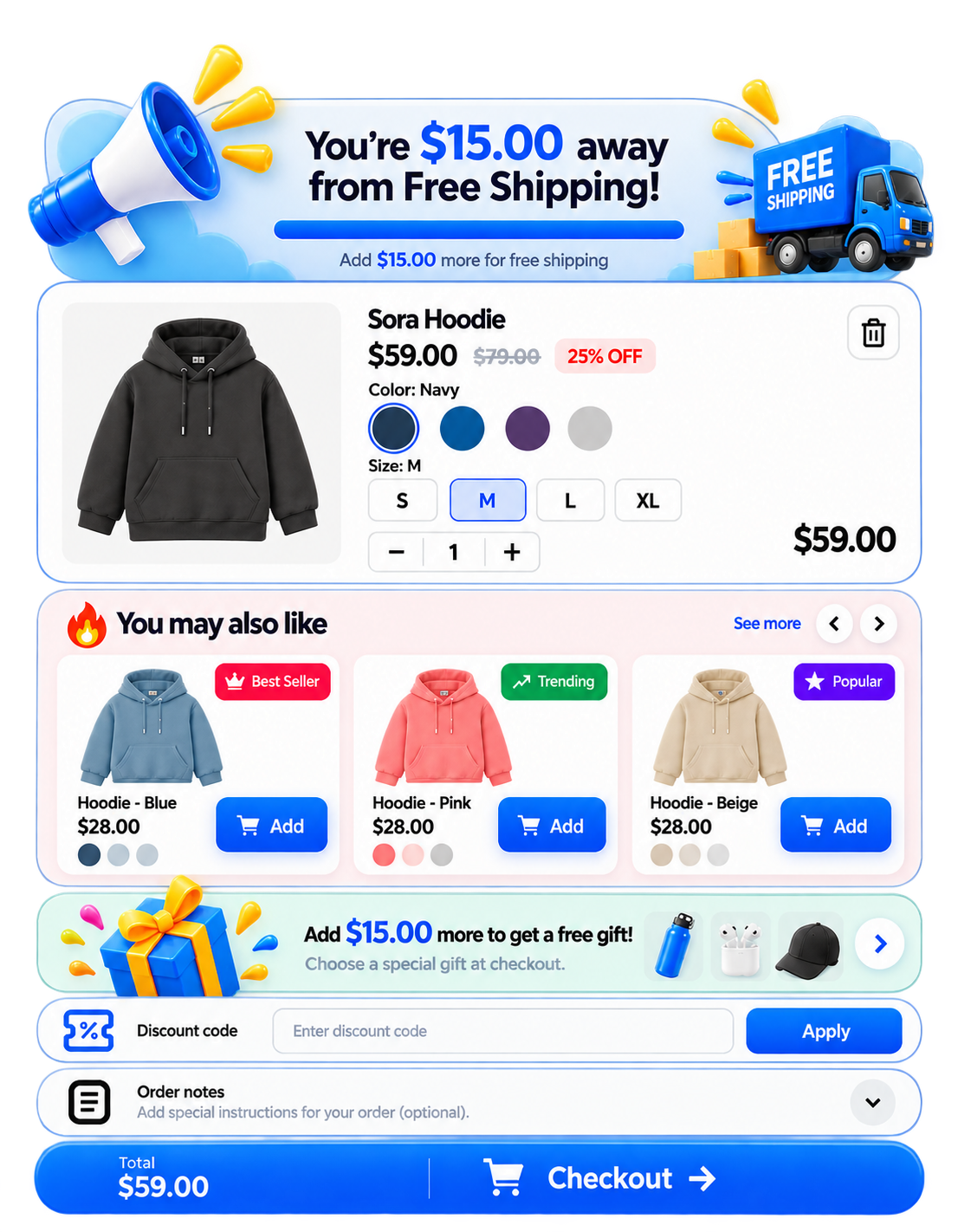
- Layout modules (shipping, rewards, upsells, notes)
- Sticky checkout / sticky footer options
- Custom CSS and HTML on higher plans
Smart SlideCart replaces the default cart with a fast, customizable AJAX cart drawer designed to create a smoother shopping experience and increase order value. Merchants can add targeted upsells, cross-sells, product add-ons, rewards, free gifts, discount offers, announcements, and a sticky cart experience directly to their storefront. Everything can be configured without manual Liquid edits, making it easy to customize the cart experience while keeping the store clean, responsive, and conversion-focused.
 OS 2.0 · Theme App Extension
Configure the drawer once in Cart Builder, then layer offers that encourage shoppers to add more before checkout.
Design the drawer layout, colors, footer, and custom code with a live preview.
Run upsells, cross-sells, free gifts, discounts, and add-ons from the cart.
Motivate checkout with free shipping goals and a rewards ladder.
Built for Online Store 2.0 — enable the embed and optional blocks.
Install Smart SlideCart on your Shopify store and open the app from Apps.
Open Cart Builder and turn on the slide cart drawer.
In Theme → Customize → App embeds, enable Smart SlideCart and Save.
Set free shipping, rewards, recommendations, and choose a billing plan.
Step-by-step setup from install to a live slide cart on the storefront.
Visual walkthrough of Cart Builder, theme embed, and key modules.
Answers about themes, plans, offers, and troubleshooting.
Starter, Growth, and Professional plans with order limits and features.
How Smart SlideCart collects, uses, and protects store data.
Contact the Ekrocx team if you need help with setup or billing.
Smart SlideCart is launching on the Shopify App Store soon. Email support for install access, billing questions, or theme help.
Email support Compare plans