Smart Bundle
Create discounted product bundles
Smart Bundle helps merchants create flexible and dynamic product bundles that make it easier for customers to purchase multiple products together. Merchants can offer attractive bundle discounts,
assign metafields, customize bundle configurations, and display interactive storefront widgets built for Online Store 2.0 themes. The app provides a
smooth shopping experience while giving merchants greater control over how bundles are created, presented, and managed across their store.
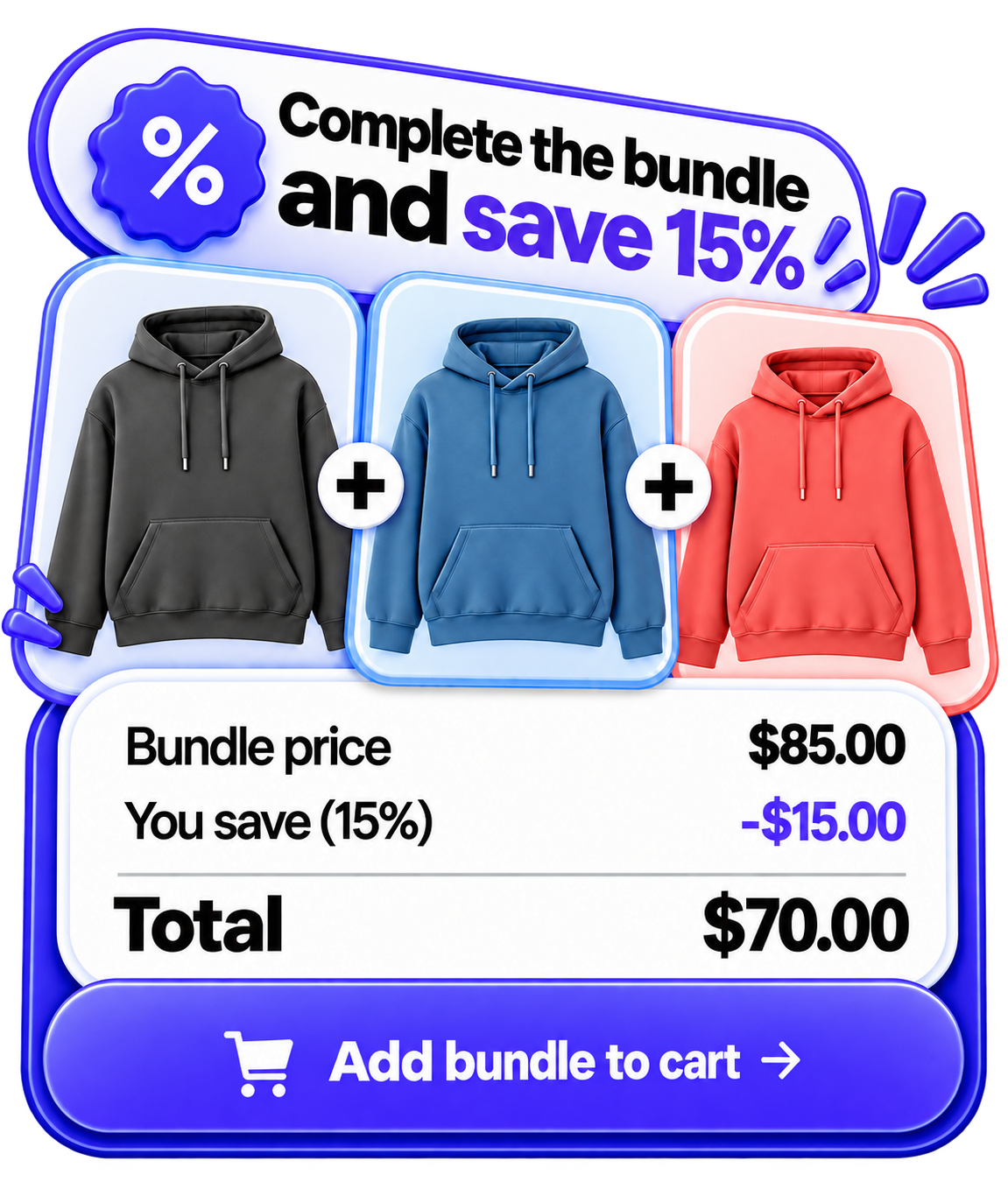 Up to 5 products · Free plan

0
Total Activation

0
Total Apps

0
Websites delivered
0
Live Shopify apps
What you can build
Use Smart Bundle to raise average order value with curated product sets and clear savings on the product page.
Bundle groups & discounts
Create named bundles, set status, and enable percentage or fixed discounts with optional savings badges.
- Up to 5 products with quantities and drag-and-drop order
- Minimum products required and maximum discount limit
- Active / deactivated control from the dashboard
Storefront widgets
Show Full Width Bundle Builder or Compact Bundle List with AJAX add to cart.
- Custom title, button text, and out-of-stock labels
- Toggle images, prices, savings, and progress messages
- Colors, radius, typography, spacing, and custom CSS
Metafield assignment
Connect a bundle to products with smart_bundle.bundle_group.
- Product metafield stores the Bundle Group ID
- Assignment priority when a product has multiple groups
- Products added in the app can link automatically on publish
Theme placement
Show bundles on product pages, the homepage, or custom landing pages.
- Smart Bundle Widget App Block
- Smart Bundle (Auto) App embed
- Homepage Bundles and Custom Page Bundle blocks
Quick start
1
Install
Open Smart Bundle from the Shopify App Store and approve access.
2
Create a bundle
Add up to 5 products, set discount, and choose display locations.
3
Assign
Set the product metafield or publish products from the Bundle products tab.
4
Enable theme
Turn on Smart Bundle (Auto) or add the App Block, then Save.
Explore guides
Ready to install?
Smart Bundle is free to install on the Shopify App Store. Open the listing, or email support if you need help going live.
Open on Shopify
Email support